
Monday.com: The Complete Project Management and CRM Guide for 2026
Monday.com is the visual work platform with a built-in CRM used by thousands of agencies. I tell you what it is, what it's for, how it works, what it costs in 2026 and whether it's worth it compared to Asana, Trello or Notion.
 Pablo Giménez·Updated: 2026-08-27
What Is Monday.com, in a Nutshell
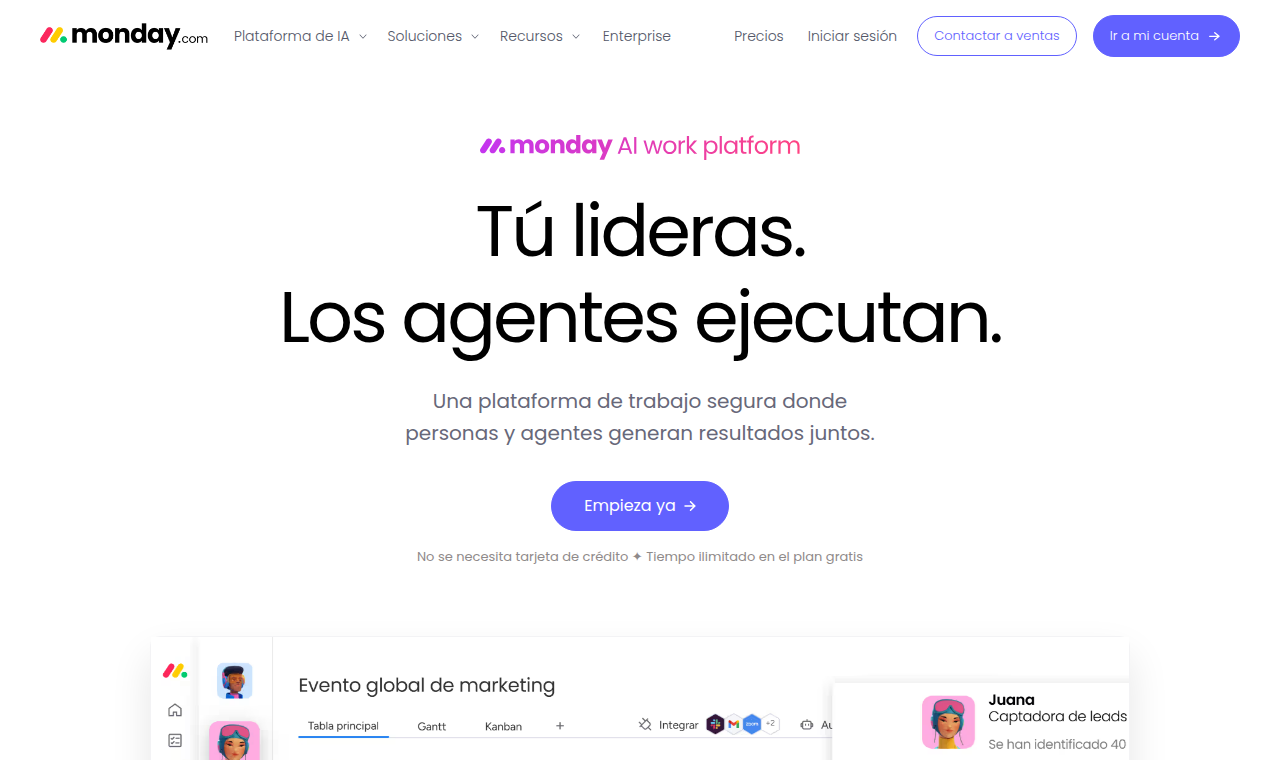
Monday.com is a visual work platform with a built-in CRM, born in Israel in 2012. It organizes projects, clients and sales pipelines on colorful, customizable boards. Its free plan covers 2 users and paid plans start at 9 euros per user per month with annual billing.
What Is Monday.com
Monday.com started in 2012 in Tel Aviv with an impossible name, daPulse, and became one of Israel's most valuable SaaS companies. Today it defines itself as a work operating system, a Work OS, where every team builds its own boards to manage anything.
What makes it different is the combination. It's not just project management like Asana, nor just a CRM like Pipedrive. It's a platform where the same board serves to track a project, a sales pipeline or a client account, and you can switch the view from kanban to Gantt or calendar with one click.
That flexibility makes it the favorite of agencies, which live off mixing clients, projects and sales in the same place. More than 250,000 organizations use it according to its own website, from freelancers to large companies.
I've set it up in several agencies and the pattern repeats. At first people use it like a better Trello. Within a month, the boards have multiplied and nobody wants to go back to spreadsheets.
What Is Monday.com Used For
Project Management
The classic use. Boards with tasks, owners, dates and statuses. Each project is a board, each task a row, and teams live inside the platform without needing status meetings.
CRM and Sales Pipeline
Monday has its own CRM product, but any board can also work as a pipeline. Kanban views for the stages, deal value columns, automations that notify when a stage changes. For an agency that combines sales and delivery, it's the perfect match.
Client Management for Agencies
The most powerful use case. One board per client with their project, pipeline, tasks and billing. The team sees the status of everything without opening five tools.
No-Code Automations
You can automate the repetitive stuff: moving tasks, assigning owners, sending notifications, creating dependencies. The Pro plan allows 25,000 automation actions per month, which for an SMB is almost infinite.
Multiple Views
Kanban, Gantt, calendar, map, board and even timeline. Each team member sees the same board the way that suits them best. Production wants the Gantt, sales wants the kanban, and nobody argues.
How Monday.com Works
It's very visual. You create a board, add columns for each type of data and the rows are your items: tasks, clients or deals. Each column can be text, person, date, status, number or formula.
Once the board is set up, the team works in it. You change a task's status, an automation fires, the owner gets notified and the project moves forward. Dashboards bring together several boards with metrics and charts for management tracking.
The beauty is in the templates. Monday has more than 200, from project management to sales CRM or production control. In half an hour you have a system running without starting from scratch.
The nuance almost nobody mentions: freedom is a double-edged sword. Since every board is built to measure, each team builds theirs their own way, and after a year you can have ten different ways of doing the same thing. It's worth defining a board convention before everyone invents their own.
How Much Does Monday.com Cost in 2026
Prices from the official website in euros, per user per month with annual billing. With monthly payment they go up around 18 percent. Prices don't include taxes.
| Plan | Price per month | Highlights |
|---|---|---|
| Free | 0 euros | Up to 2 users, 3 boards, 200 templates |
| Basic | 9 euros | Unlimited items, free viewers |
| Standard | 12 euros | Automations and integrations, Gantt and calendar views |
| Pro | 19 euros | 25,000 automations, private boards, time tracking |
| Enterprise | Custom | Governance, resource management, dedicated support |
The Pro plan is the most popular, because that's where serious automations and time tracking unlock. And note, Monday's CRM is a separate product with its own pricing, so if you want the full commercial pipeline, look at its specific plans.
The 14-day trial with no card gives you access to everything, and the free plan is enough for a small team to evaluate the tool without paying.
Key Features of Monday.com
- Customizable visual boards
- Built-in CRM and sales pipeline
- No-code automations
- Multiple views: kanban, Gantt, calendar
- Dashboards with real-time metrics
- More than 200 ready-to-use templates
Monday.com vs the Alternatives
Asana is its most direct rival in project management. It has better dependency and workload management, but its CRM is nonexistent and customization is more rigid. Monday wins when you need projects and sales to coexist.
Trello is the simple option. Perfect for small teams with straightforward processes, but it falls short on automations, reporting and CRM. Monday is Trello on steroids and with a matching price.
Notion competes on document flexibility. It's great for wikis and documentation, but as a project manager with serious tracking it comes up short. Monday is more structured for day-to-day work.
ClickUp offers the most features per euro, but at the cost of an overloaded interface that overwhelms. Monday manages to deliver power with more clarity, which is what an agency needs when it bills by the hour.
If your business lives off prospecting, my article on prospecting tools for marketing agencies gives you the full stack map, and the one on B2B prospecting for freelancers explains how to fill that sales pipeline you set up in Monday.
Who Monday.com Is For and Who It Isn't
Monday is for agencies, project teams, operations departments and SMBs that want to see everything on boards without setting up an ERP. If your day-to-day is tasks, clients and dates, it fits.
It's not for teams that need a deep sales CRM with scoring and sequences, there Pipedrive or HubSpot are better. Nor for companies looking for very technical project management with complex dependencies, where Asana or Jira rule. And if you only want a simple pipeline, you're overpaying for the project side.
For commercial prospecting, remember that LinkedIn automation fills the funnel and Monday organizes it. The combination of prospecting and visual tracking is what improves an agency's billing fastest.
Pros and Cons of Monday.com
The good:
- Very fast learning curve, everything is visual
- Projects, CRM and clients in the same place
- Templates and views for every need
- Powerful automations on the Pro plan
- Ideal for agencies with several clients
The bad:
- Each team builds boards their own way, no order by default
- The full CRM is paid separately
- The price climbs with every user
- Advanced reporting requires expensive plans
Is Monday.com Worth It?
Yes, if your work is organized in projects and you want sales and delivery to coexist in the same place. For agencies it's one of the most profitable purchases you can make, because it saves you the dance between the sales sheet and the production sheet.
My advice: open the free account, build a board for your most important client with their tasks and pipeline, and work like that for a week. If at the end of the week the team is still looking at the board without anyone forcing them, get the Pro plan and build from there. If they don't look at it, you have a process problem, and Monday isn't the answer.
Written by
Pablo Giménez
Lead analyst · LinkedIn prospecting
6+ years prospecting on LinkedIn for agencies and SaaS. He tests every tool with real accounts before sharing his opinion, and writes so you do not repeat his mistakes.
Specialty: LinkedIn automation, Waalaxy, account safety
Monday.com
Monday.com